


Summary: This is a practical guide that explains how to design chatbot history around separate tasks, scannable interaction records, and persistent output workspaces, so users can understand chat context and continue their workflows.
I was recently asked whether we have any data on how best to design an AI chatbot’s history by a team that was adding one to its website. Aren’t we all doing this these days? Hahahaha. This week’s article goes through what I learned while diving into the topic and is formatted somewhat like the documentation I originally wrote for the team that asked.
Of course, we’ll cover the basics, like how AI chatbots commonly generate looooooong responses and use multiple data sources, both of which pose a bunch of challenges. We’ll also look at how, over time, the standard back-and-forth chat format has proven to be confusing for users. But then we’ll talk about how these facts help us understand the best way to design the interface, the navigation system, the model’s context, the activity log, and the place where finished work is stored in a strategically designed AI chatbot.
⚠️ Disclaimer: This guidance was originally developed for complex, product-specific AI chatbots that support substantial tasks or produce detailed outputs. So, it might be a little overkill for a simple site chatbot that answers short, one-off questions. With that said, following these recommendations for any AI chatbot will help ensure a gold-standard experience for your users.
The Recommended History Model
My default recommendation is to design AI chatbot history as three connected layers. Each layer supports a different part of the user’s work and prevents the standard chat transcript from carrying the full weight of the experience.
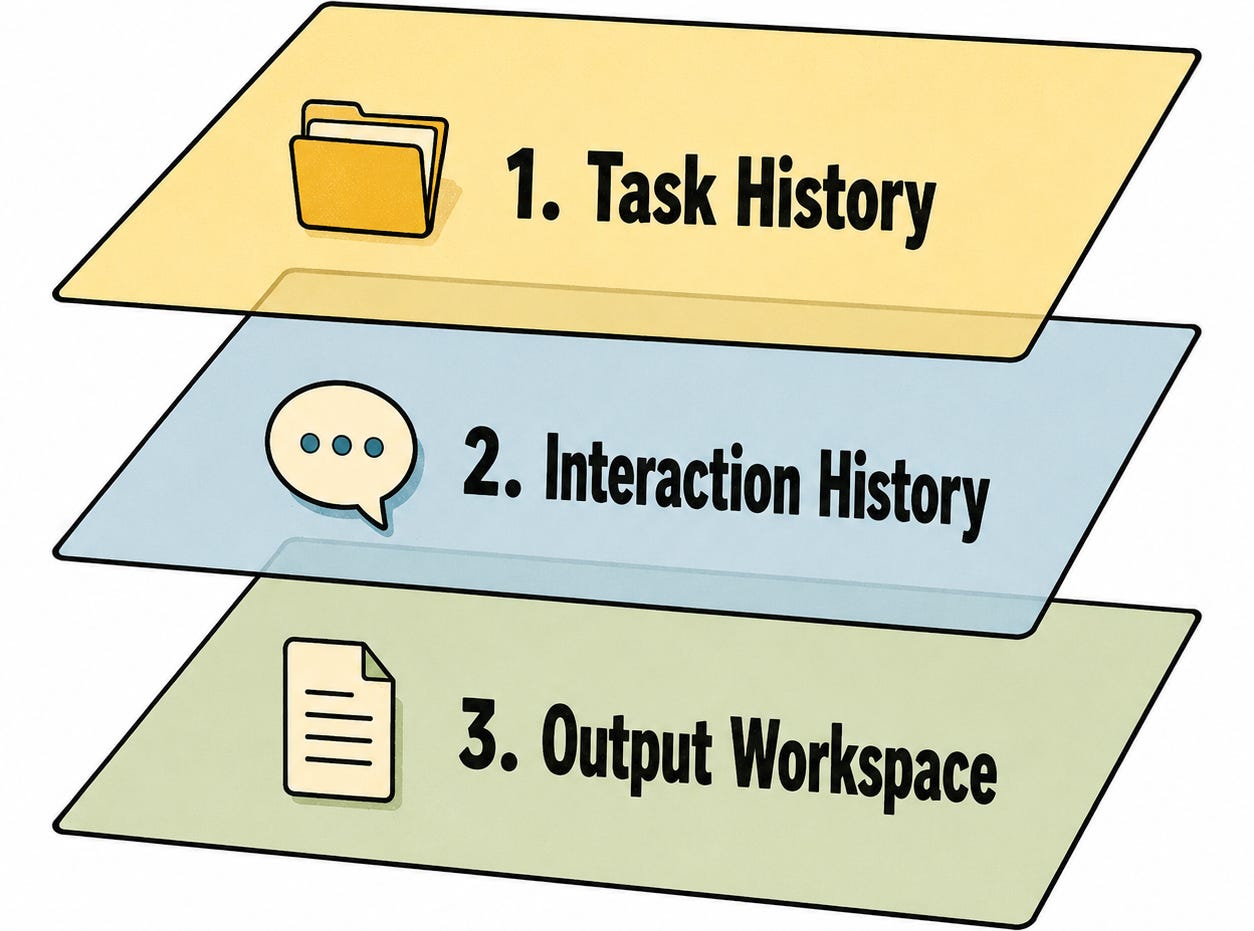
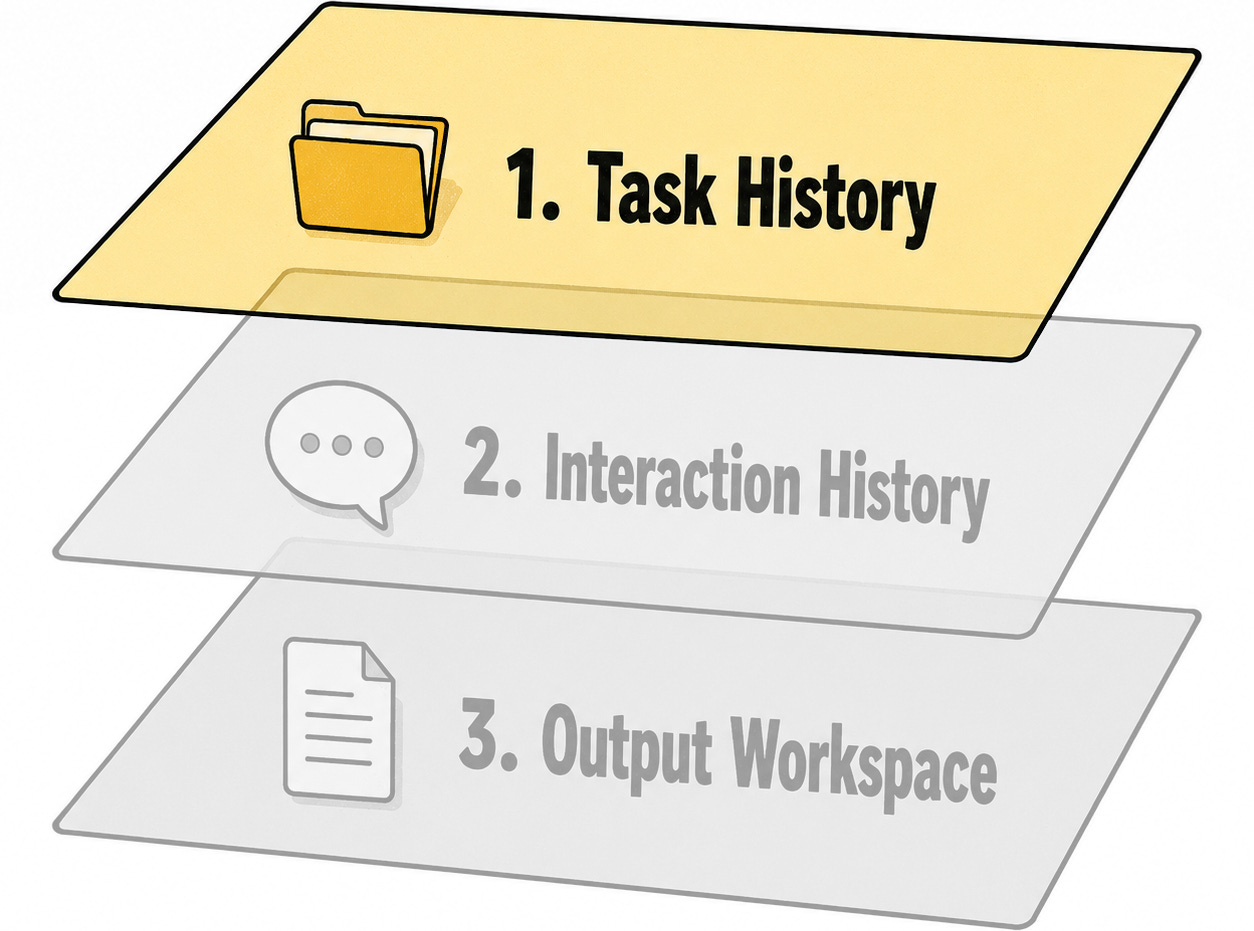
Layer 1: Task history - This is the highest-level history view. It contains separate conversations, tasks, or background jobs that users can reopen independently.
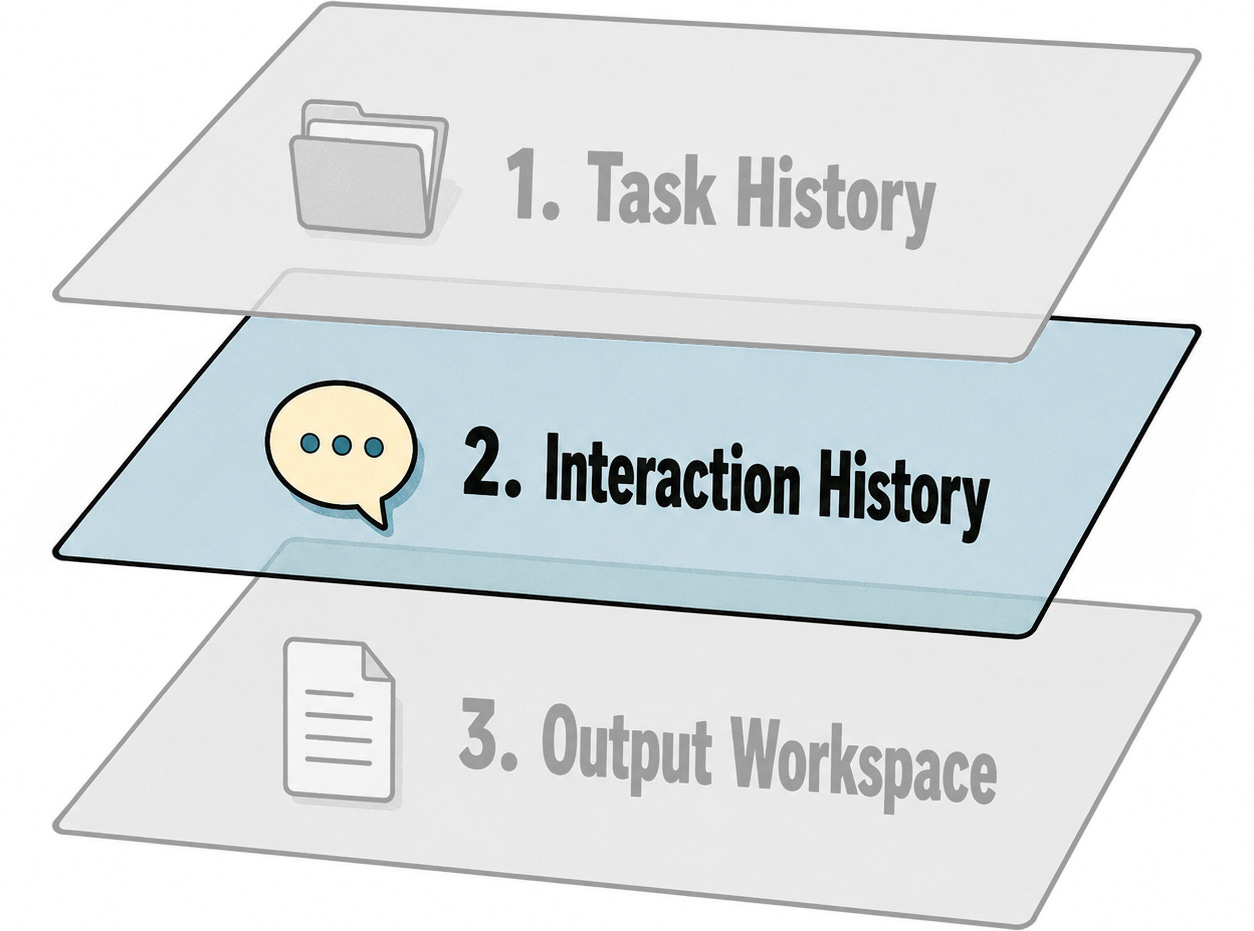
Layer 2: Interaction history - This is the sequence of instructions, clarifications, system actions, and responses within a task. Older interactions should become easier to scan as the history grows.
Layer 3: Output workspace - This is where substantial results live. Reports, drafts, tables, analyses, and other detailed outputs should remain accessible without forcing users to find them inside the conversation timeline.
These layers may appear together in a single interface, but they should not be treated as the same thing. A list of tasks helps users decide where to go, the interaction history explains what happened, and the output workspace contains the work they actually need.
Layer 1: Task History
Define Task Boundaries
Before deciding how chat history should look, the team needs to define what counts as a separate task. This is the most important design decision because it determines when the product should reuse existing context and when it should begin with a clean context.
In the context of a chatbot, a task is a self-contained request that a user asks the system to complete. It has a specific goal and a clear point at which it can be considered finished. The user should also be able to return to the task later and review its result without needing to revisit unrelated conversations.
An example of this could be if a user asks an account-support chatbot to reset their account-access privileges, or something like that. Then, imagine after resolving that issue, the user asks to update their personal info in that account. Both requests relate to the same account, but they involve different goals, system actions, and completion states.
Placing both tasks inside one continuous history may seem like a convenient design choice at first. It also creates opportunities for context from the completed access issue to influence the profile update task in ways the user does not expect.
Use the following questions when deciding whether a new instruction belongs in the current task:
Is the user still working toward the same outcome?
Does the new instruction modify or refine the existing output?
Will the same source material and context remain relevant within this task?
Would the user reasonably want to reopen both parts of the work together later?
Does the current task need to remain active for the new request to make sense?
A new task is usually appropriate when the user changes the desired outcome, introduces substantially different source material, or starts work that will be reviewed separately. A new task may also be safer when earlier context could distort the system’s response.
✏️ NOTE: A subject change does not always mean the user has started a new task. The system needs to recognize the difference between refining an existing goal and introducing an independent goal. This is an extremely important nuance that you’ll need to define upfront to create a successful chat experience.
Use Task-Separated Threads
Once you have defined what counts as a separate task, you need to decide how those tasks will appear within the chat experience.
In most cases, each distinct task should receive its own thread, task space, or background instance, while refinements and follow-up questions should remain connected to the original task.
This structure turns the task boundaries you defined earlier into something users can see and navigate. It gives each task its own context, outputs, and completion state while preventing unrelated work from accumulating inside one enormous conversation.
Users often remain inside an existing chat because it is already open. Starting a new thread requires an additional decision, and the consequences of staying in the current thread are usually invisible to the end user. The chat may appear to work normally even as irrelevant context continues to accumulate. We know that long conversations increase the amount of context the system must process. Depending on the base LLM’s architecture, this will almost certainly increase response time and cost. It can also make it harder for the system to determine which earlier information still matters.
Long sessions = more context = more tokens = more time, more cost, degraded results
Task separation gives the system a cleaner working context. It also gives users a more useful history because each item represents a recognizable piece of work instead of an arbitrary portion of one enormous transcript.
Recommended Baseline
Begin with the following structure:
Create one top-level thread for each distinct user goal.
Keep refinements and follow-up questions inside the original task thread.
Start a separate thread when the user begins an independent task.
Preserve a clear relationship between related tasks when users may need to move between them.
Allow users to rename task threads using language that reflects their work.
The interface may still use the familiar language of “chats” or “conversations.” Behind that label, the product should treat each history item as a task container with its own context, outputs, and status.
All of this means we need to help our users recognize when starting a new task would be better.
The chatbot should not rely entirely on users to understand context management. Research has proven that many users will continue typing into whichever conversation is open, even after the goal has changed. This is when the system itself can suggest starting a new task when it detects a substantial shift. That suggestion should explain the practical benefit in user-centered language.
For example:
This looks like a separate account task. Start a new task so the information and progress for each request stay separate?
And if possible, the chatbot should let the user decline that suggestion. Automatically splitting a conversation without explanation may cause users to lose track of where their work went.
✏️ NOTE: Test the wording carefully. Language about tokens, context windows, or model limitations explains the system’s problem rather than helping the user understand the benefit.
Isolate Things with Background Instances
Users tend to think about AI chatting differently from a normal back-and-forth conversation. When they ask the system to search multiple sources, run an analysis, use several tools, or produce a detailed report, they often think of it as a task they have started and can return to later. The design should support this mental model by separating substantial background work from the main conversation and giving each task its own clear context, status, and result.
For these tasks, consider creating a dedicated task instance. Depending on the work involved, this may be a separate chat session or a background agent that can complete the task independently.
This approach helps keep unrelated instructions from entering the same working context. It also creates a natural task-history model because users start work, leave it running, and return to review the result.
When a Background Instance Is Appropriate
A dedicated background instance is most useful when:
The task can run independently after the user provides the initial instructions.
The task uses a defined set of files, account data, or external sources.
The output has its own completion state.
The user may want to review or revise the result later.
Multiple tasks may run at the same time.
The system needs to preserve a record of the tools or sources used.
✏️ NOTE: Short, simple question prompts usually do not need their own background instance. For these types of questions, creating new task objects too liberally can clutter the history and make simple work feel overdesigned.
The useful distinction is whether the system is continuing a conversation or beginning a separately reviewable piece of work. When a task will have its own status and output, a dedicated instance often makes sense.
Design the Task List Around Review
A background-task history should help users understand what requires attention. A chronological list alone may not be enough because recently completed work can be more important than a task that is still running.
Useful task states may include:
Needs clarification
In progress
Ready for review
Completed
Failed or partially completed
Archived
These states should be visible without opening every task. Users also need a clear path back into the work when the system requires clarification or when the result is ready to review.
Layer 2: Interaction History
Transcript is Not History
The typical chat layout presents each user message followed by a system response. This pattern is familiar and easy to build, but it becomes difficult to use when responses are long or the conversation contains repeated revisions.
Imagine a user who asks an AI chatbot to analyze several documents and draft a report. The user then asks for a different structure, requests a revised table, and changes the intended audience. The latest report may be useful, but it now sits underneath several earlier versions and a large amount of explanatory text. The problem with this is that although the transcript accurately records what happened, it does not help users find or interact with the current result.
Chat history should support retrieval and review, not merely preserve the chronological exchange. Users need to locate important instructions, understand how an output changed, and return to the latest useful version without rereading the whole conversation.
Separate Events from Results
Within a task, the history may contain several different types of info:
User instructions
Clarifying questions
Tool activity
Intermediate findings
Errors and recovery actions
Completed outputs
These items should not necessarily receive equal visual weight. The user’s original instruction and the final output may be central to the work, while a routine tool action may only matter when something goes wrong.
The design should preserve enough history to support trust and recovery. It should also reduce the amount of low-value detail that users must scan during normal use.
Surface Meaningful Milestones
This is the last frame of reference you’ll need to consider when matching your users’ default mental models for chatbots. Consider turning important moments in the interaction into recognizable milestones. A milestone could represent the initial request, a major change in direction, a user-approved decision, or a completed output.
Milestones make the history easier to navigate because they reflect the structure of the work. They also help users understand why two outputs differ when the conversation contains several rounds of revision.
✏️ NOTE: Milestones should come from meaningful changes in the task. Creating a milestone after every message would simply reproduce the transcript in a different visual format.
Collapse and Expand
Collapsing older question-and-answer pairs can make long histories easier to scan. Instead of displaying every previous exchange at full length, the interface shows each earlier interaction as a compact, consistently sized block.
In a well-designed history feature, the user can select an earlier interaction to expand it. Other interactions can collapse automatically so the user can focus on one portion of the history without losing the broader sequence.
This pattern is especially useful when individual system responses are long. It reduces the amount of scrolling required to move between earlier interactions and makes the overall structure of the task more visible.
What a Collapsed Item Should Show
A collapsed interaction needs enough information to help the user decide whether opening it will be useful.
Depending on the product, that may include:
A concise version of the user’s instruction
A short description of the resulting action or output
The interaction time
The output type
A status or warning indicator
A clear expand control
Avoid generating vague labels such as “Follow-up question” or “Updated response.” Those labels describe the mechanics of the conversation without helping the user recognize the content.
A useful collapsed item might read:
Compare current account activity with the previous quarterorCompleted analysis with 4 flagged changes
That description gives the user enough context to recognize the work without displaying the full response.
Preserve Important Context While Collapsing
Collapsing content introduces its own usability risks. Users may miss information when the system hides too much, and repeatedly opening several sections increases interaction cost.
To account for this, keep the active interaction expanded by default. Important warnings, unresolved questions, and actions that require the user’s attention should also remain visible.
✏️ NOTE: The chatbot should remember which history item the user was viewing when possible. Returning users should not have to reconstruct their place each time they reopen the task.
Visible and Verifiable
Users need to understand what information influenced an AI-generated response. This becomes especially important when the chatbot uses account data, uploaded documents, previous instructions, or external market sources.
A response can sound confident even when it relies on outdated, incomplete, or irrelevant context. Showing the underlying sources gives users a better chance of noticing these problems before they act on the output.
Context transparency should answer practical questions:
Which files or data sources did the system use?
Did the answer use current account data?
Which user-provided goals or constraints influenced the result?
Did the system use information from an earlier task?
Can the user inspect the specific source supporting an important claim?
The interface should make these answers available without requiring the user to understand the system architecture.
Add Useful Context Automatically
A chatbot can improve an instruction by retrieving relevant context before generating the response. For example, an account-support chatbot may add the user’s current plan, permissions, and recent activity to a request when those details are necessary.
Automatic retrieval reduces the amount of information users must repeatedly provide. It also introduces a responsibility to show what the system added, especially when that context changes the answer.
The interface may show a small set of context indicators near the instruction or response. A more detailed context view can be available when the number of sources becomes too large for a few compact indicators.
Make Citations Part of the Interaction
For source-based responses, citations should appear near the claims they support. Users should be able to open a citation and reach the relevant part of the source instead of landing at the beginning of a long document.
Streaming citations can help users see where information is coming from as the response develops. They also make retrieval visible, which may help people understand the value and boundaries of the chatbot.
Citations still require careful design and validation. A citation creates the appearance of evidence, but it is only useful when the source exists, supports the claim, and is presented with enough context for the user to verify it.
✏️ NOTE: Context transparency does not mean displaying every technical input by default. Make important context easy to inspect without requiring users to review it during every interaction. Show the sources and constraints that help users interpret or verify the answer, then provide deeper detail when needed.
Layer 3: Output Workspace
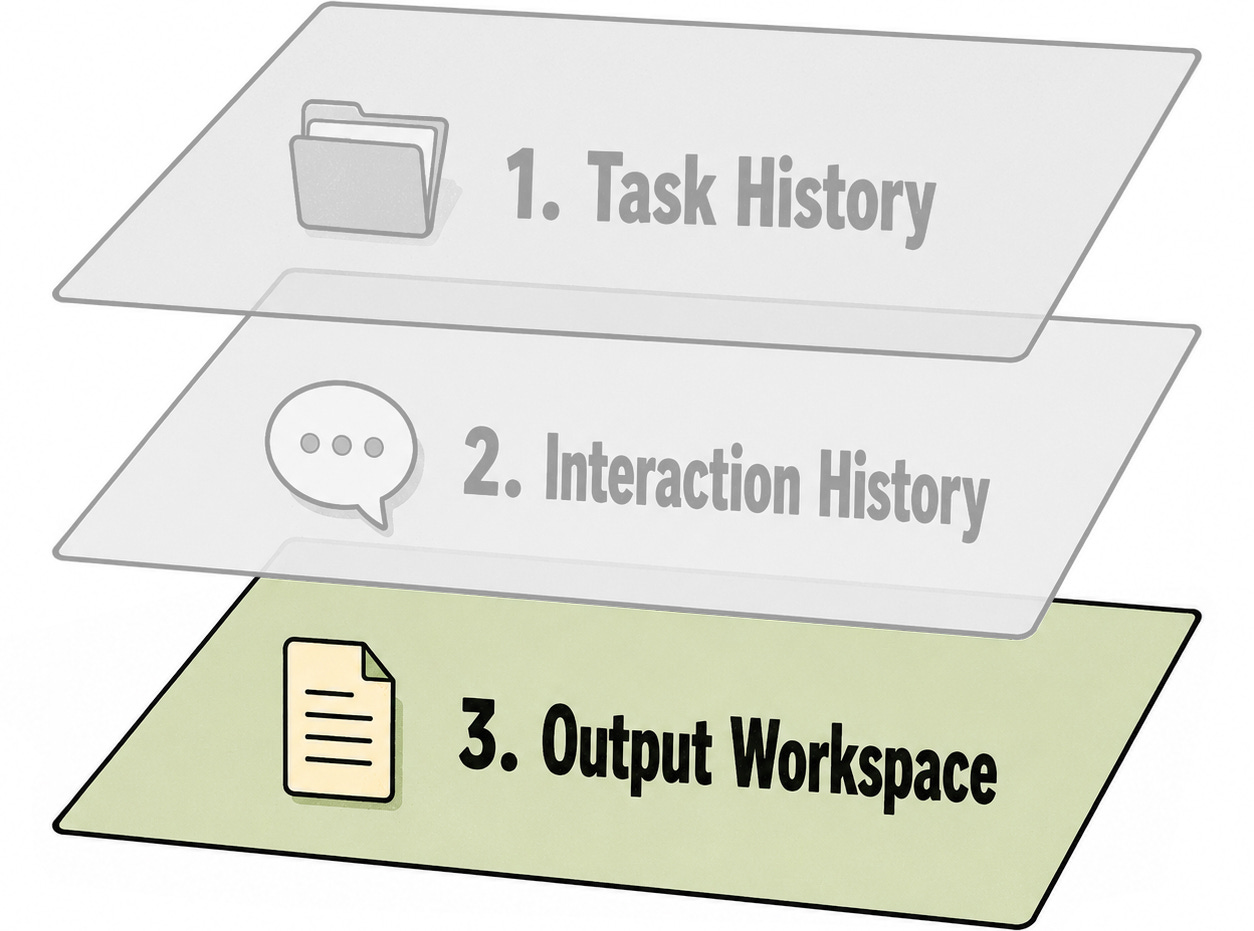
Chatbot outputs should not live only inside chat messages. Reports, editable drafts, tables, plans, and data-heavy analyses need a persistent place where users can review and act on them.
Research has proven that, in these cases, a split layout is a strong solution. The conversation and task history remain on one side, while the detailed output appears in a separate interactive panel.
This layout lets users keep the instruction and relevant process visible while working with the result. It also prevents the output from disappearing inside the timeline as the conversation continues.
What Belongs in the Output Workspace
Use a dedicated output workspace when the result:
Is long enough that reading it inside a message bubble would be difficult.
Needs editing, filtering, sorting, or another form of interaction.
Has multiple versions that users may compare.
Will be exported, shared, or used outside the chatbot.
Remains useful after the conversation that produced it has ended.
Represents the main value of the task.
✏️ NOTE: The interaction history and output workspace should serve different purposes, but they need to remain clearly connected. Users should be able to understand which instructions, decisions, and system actions produced the artifact, how later revisions changed it, and where to review the process behind the result.
Keep the Latest Output Easy to Find
The output workspace should make the current version obvious. Earlier versions can remain available when they support review, comparison, or recovery.
A useful pattern is to keep the current artifact open in the output panel while the interaction timeline records the instructions that changed it. This allows the conversation to support the work without becoming the work itself.
✏️ NOTE: Do not require users to identify the latest version by searching through several similarly worded assistant messages. The system already knows which output is current and should make that status visible.
Evaluate the History Design
As UX researchers, we should always evaluate the designs we create. Chat history, as a task-management and retrieval system, is no exception. A standard chatbot usability study focused only on prompting and response quality will miss many of the problems described in this article. I’ve seen this mistake made dozens of times already.
The full chat experience must be accounted for, or your chatbot will go unused like everyone else’s. This is the differentiator your stakeholders don’t know they need.
Study Design
Give participants histories that already contain several tasks, long responses, revised outputs, and mixed source types. Then observe whether they can understand the structure without receiving an explanation first.
Ask participants to complete these tasks:
Return to a task they started several days earlier.
Locate the final output from a conversation with several revisions.
Determine which sources informed a specific response.
Start an unrelated task without contaminating the current one.
Find a task that is waiting for their review.
Compare the current output with an earlier version.
Explain what information the system is currently using as context.
These tasks reveal whether the history supports real use over time. They also uncover whether the interface matches the user’s mental model of tasks, conversations, and outputs.
Useful Measures and Observations
During evaluative research, consider tracking:
Time required to locate a previous output
First-click accuracy when reopening work
Frequency of users continuing unrelated work in an existing task
Ability to identify the active context correctly
Missed items requiring review or clarification
Unnecessary creation of new task threads
User confidence in the sources supporting an answer
Qualitative follow-up is especially important. A participant may complete the task successfully while still feeling unsure about what the system remembered or why a particular output appeared.
Chat-History Design Checklist

Use this checklist during design reviews, requirements gathering, or concept evaluation.
Define what counts as a discrete task for the product.
Identify when the system should recommend starting a new task.
Decide which tasks require dedicated background instances.
Keep each task’s context and outputs separate where possible.
Design the top-level history around recognizable user goals.
Make long interaction histories scannable.
Keep unresolved questions and important warnings visible.
Show which data, files, and constraints informed each important response.
Ensure citations lead users to relevant supporting content.
Give substantial outputs a persistent workspace outside the transcript.
Make the current version of an output obvious.
Test the design using populated histories and returning-user scenarios.
Conclusion
Well, there you have it. Designing an AI chatbot’s history properly requires more than saving old messages and displaying them in chronological order.
The main challenge is deciding how the product should represent work. Teams need to define where one task ends, when a new context should begin, how earlier interactions become scannable, and where substantial outputs should live.
To design a good chatbot, I would begin with task-separated histories and dedicated background instances for independently reviewable work. I would then use collapse-and-expand patterns to manage long interaction histories, make important context verifiable, and move detailed outputs into a persistent workspace.
This strategy affects more than just usability. It shapes how much irrelevant context enters a task, how easily users can verify the system’s work, and whether people can return to useful outputs after the conversation has moved on.
The traditional chat transcript can remain part of the experience. It just should not be responsible for the entire experience. I hope some of you find these documentation posts helpful!